
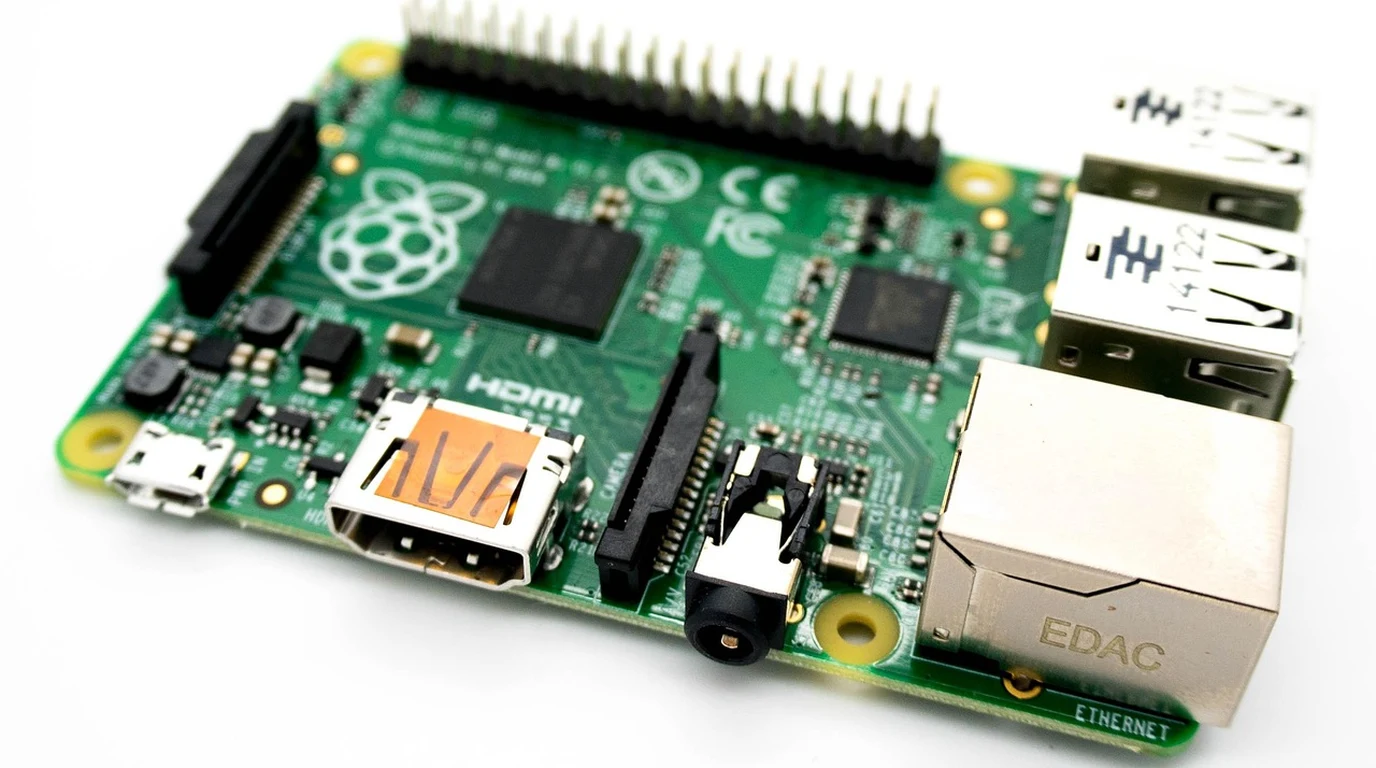
If you are an embedded engineer, homelab enthusiast, or edge computing architect building scaled-out micro-clusters, single board computers (SBCs) have undergone a radical technological renaissance. For years, the hobbyist market was dominated by the Raspberry Pi ecosystem. While the Raspberry Pi 5 delivered welcome CPU improvements, its limited PCIe lane topology, absence of an integrated high-performance NPU on the silicon die, and thermal throttling under heavy multi-threaded loads left enterprise and industrial builders searching for true desktop-class embedded horsepower.
That search culminated in the Rockchip RK3588—the undisputed silicon powerhouse of modern ARM single-board computing. Fabricated on an efficient 8nm process, the RK3588 packs an 8-core big.LITTLE CPU (4x Cortex-A76 + 4x Cortex-A55), an ARM Mali-G610 MP4 GPU with 8K 60FPS video decode, up to 32GB of LPDDR4x/LPDDR5 memory, and a dedicated triple-core 6 TOPS Neural Processing Unit (NPU). However, choosing an RK3588 board brings you directly to the premier rivalry in ARM single-board computing: The Orange Pi 5 series (Orange Pi 5 Plus / Max) vs The Radxa Rock 5 series (Rock 5B / 5B+). Both boards harness identical silicon, yet their PCB layouts, PCIe lane bifurcation, thermal dissipation characteristics, and upstream mainline Linux kernel support are dramatically different. To choose the right board for your next embedded project or K3s cluster, you must dissect their hardware engineering trade-offs.
Which RK3588 Board Is Better: Orange Pi 5 Plus or Radxa Rock 5B?
To evaluate these boards objectively, one must start with the physical silicon. The Rockchip RK3588 features a flexible high-speed I/O multiplexer that provides a total of four PCIe Gen3 lanes alongside several PCIe Gen2 and SATA multiplexed channels. How a single-board computer manufacturer routes these lanes on the physical circuit board determines whether your board can saturate high-speed Gen4 NVMe SSDs or connect to high-bandwidth multi-camera MIPI CSI arrays.
Radxa took an uncompromising, high-bandwidth storage path with the Rock 5B. Radxa engineers routed all four PCIe Gen3 lanes directly to a single bottom-mounted M.2 M-Key 2280 slot. As a result, the Rock 5B achieves true PCIe Gen3 x4 throughput—delivering blisteringly fast sequential read and write speeds exceeding 3,200 MB/s when paired with a standard enterprise NVMe drive. For database nodes, local LLM weight caching, and high-speed data acquisition, the Rock 5B transforms an ARM SBC into a miniature workstation.
Orange Pi made an entirely different architectural compromise with the Orange Pi 5 Plus. Rather than dedicating all four PCIe Gen3 lanes to a single storage slot, Orange Pi bifurcated the lanes to maximize networking and expansion versatility. Orange Pi routed two PCIe Gen3 lanes (x2) to the M.2 M-Key NVMe slot (capping NVMe read speeds at roughly 1,600 MB/s), and dedicated the remaining high-speed lanes to drive dual on-board 2.5GbE Realtek RTL8125BG Ethernet controllers, an M.2 E-Key Wi-Fi slot, and an M.2 B-Key 4G/5G cellular modem slot. This makes the Orange Pi 5 Plus an extraordinary, turnkey hardware platform for software-defined routers, dual-WAN firewalls, and multi-network industrial gateways.
Orange Pi 5 Plus vs Radxa Rock 5B Hardware Comparison Matrix
| Hardware Specification | Orange Pi 5 Plus (RK3588) | Radxa Rock 5B / 5B+ (RK3588) | Architectural Impact |
|---|---|---|---|
| PCIe Storage Bus Width | PCIe Gen3 x2 (Max ~1,650 MB/s) | Full PCIe Gen3 x4 (Max ~3,400 MB/s) | Radxa delivers 2x faster NVMe storage throughput |
| On-Board Ethernet NICs | Dual 2.5GbE RJ45 (RTL8125BG) | Single 2.5GbE RJ45 (RTL8125B) | Orange Pi is a ready-made dual-WAN router / bridge node |
| RAM Configurations | 4GB, 8GB, 16GB, 32GB LPDDR4x | 8GB, 16GB, 24GB, 32GB LPDDR4x | Both support massive 32GB memory for local LLM inference |
| Power Input Delivery | USB-C 5V / 4A (Proprietary brick) | USB-PD 2.0/3.0 (9V, 12V, 15V, 20V) | Radxa powers cleanly from standard laptop USB-C PD supplies |
| HDMI Video Ports | 2x HDMI 2.1 Out (8K) + 1x HDMI In (4K) | 2x HDMI 2.1 Out (8K) + 1x Micro-HDMI In | Orange Pi uses full-size standard HDMI ports across all inputs |
| Average 16GB Board Cost | $125 – $140 USD | $155 – $175 USD | Orange Pi saves $30–$40 per node when building clusters |
The USB Power Delivery Showstopper: USB-PD vs 5V 4A
One of the most consequential operational differentiators in day-to-day deployment is power delivery negotiation. The Rockchip RK3588 under full CPU and GPU load—especially when powering an active M.2 NVMe SSD and high-speed USB peripherals—can easily draw 18 to 22 Watts of peak power.
Orange Pi equipped the Orange Pi 5 Plus with a basic 5V / 4A USB-C power input. At 5 Volts, delivering 20 Watts requires drawing 4.0 Amperes of electrical current through a thin USB-C cable. Due to standard resistance in copper wires ($V = I imes R$), high current causes significant voltage drop. If your USB-C cable is longer than 1 meter or uses thin 24 AWG conductors, the voltage entering the board drops to 4.6V under heavy load, triggering sudden kernel undervoltage resets and corrupted storage volumes. Users are forced to purchase specialized, short, high-amp power bricks.
Radxa solved this by embedding a dedicated USB Power Delivery (USB-PD) negotiation chip on the Rock 5B. The Rock 5B can negotiate 9V, 12V, 15V, or 20V from any standard modern USB-C laptop charger or multi-port GaN power supply. Drawing 20 Watts at 12 Volts requires only 1.6 Amperes of current. This eliminates voltage drop issues, allows long power cable runs, and enables clean power distribution across multi-node rackmount cluster enclosures.
Software and Mainline Linux Kernel Status in 2026
Historically, Rockchip hardware was cursed by vendor kernel fragmentation. Boards shipped with outdated Linux 5.10 BSP (Board Support Package) kernels patched with proprietary binary blobs for GPU and NPU acceleration. Attempting to run modern container distributions like Debian 12, Ubuntu 24.04 LTS, or Alpine Linux frequently resulted in broken video decoding and non-functional sleep states.
In 2026, the open-source community—led by Collabora, Armbian, and the Linux kernel Rockchip mailing list—has achieved monumental progress. Mainline Linux 6.6+ and 6.8+ kernels natively support the RK3588’s CPU cores, PCIe controllers, thermal throttling, and Panfrost GPU drivers. While full NPU acceleration still relies on Rockchip’s rknpu kernel driver and user-space libraries (RKNN-Toolkit2), both Orange Pi and Radxa now boot official Ubuntu 24.04 and Armbian images out of the box with Docker, Kubernetes (K3s), and hardware-accelerated video decoding fully operational.
Match your board selection to your physical architecture. If you are building a distributed K3s Kubernetes micro-cluster, home media streaming server, or dual-WAN firewall, buy the Orange Pi 5 Plus. Its dual on-board 2.5GbE network ports and lower price point provide unbeatable multi-node density. However, if you are designing a high-throughput single-node edge workstation, local AI inference server, or database appliance where storage throughput is king, buy the Radxa Rock 5B. Its full PCIe Gen3 x4 NVMe slot and robust USB-PD power delivery make it the most polished and reliable RK3588 board on the market.
The 4:00 PM Actionable RK3588 Board Selection Checklist
Follow this four-step decision matrix before procuring your next single-board computer:
- Evaluate Network vs Storage Bottlenecks: If your project requires dual independent network segments without USB dongles, choose the Orange Pi 5 Plus (dual 2.5GbE). If your workload requires continuous disk write speeds exceeding 2,000 MB/s, choose the Radxa Rock 5B (PCIe 3.0 x4).
- Mandate 16GB or 32GB RAM for Local AI: If you plan to utilize the 6 TOPS RKNN NPU or run quantized Small Language Models (such as Phi-3 Mini or Llama 3 8B), purchase the 16GB or 32GB RAM SKU. The 4GB models will rapidly exhaust memory under containerized AI workloads.
- Deploy an Active Heatsink with PWM Fan: The RK3588 operates comfortably at 5 Watts idle, but spikes to 75°C+ under multi-core inference. Install an official aluminum heatsink with a 4-pin PWM cooling fan to prevent thermal throttling.
- Standardize on Armbian with Kernel 6.1+: Flash the latest official Armbian LTS image rather than outdated vendor factory images to ensure long-term security patching, stable PCIe device tree overlays, and clean Docker compatibility.