
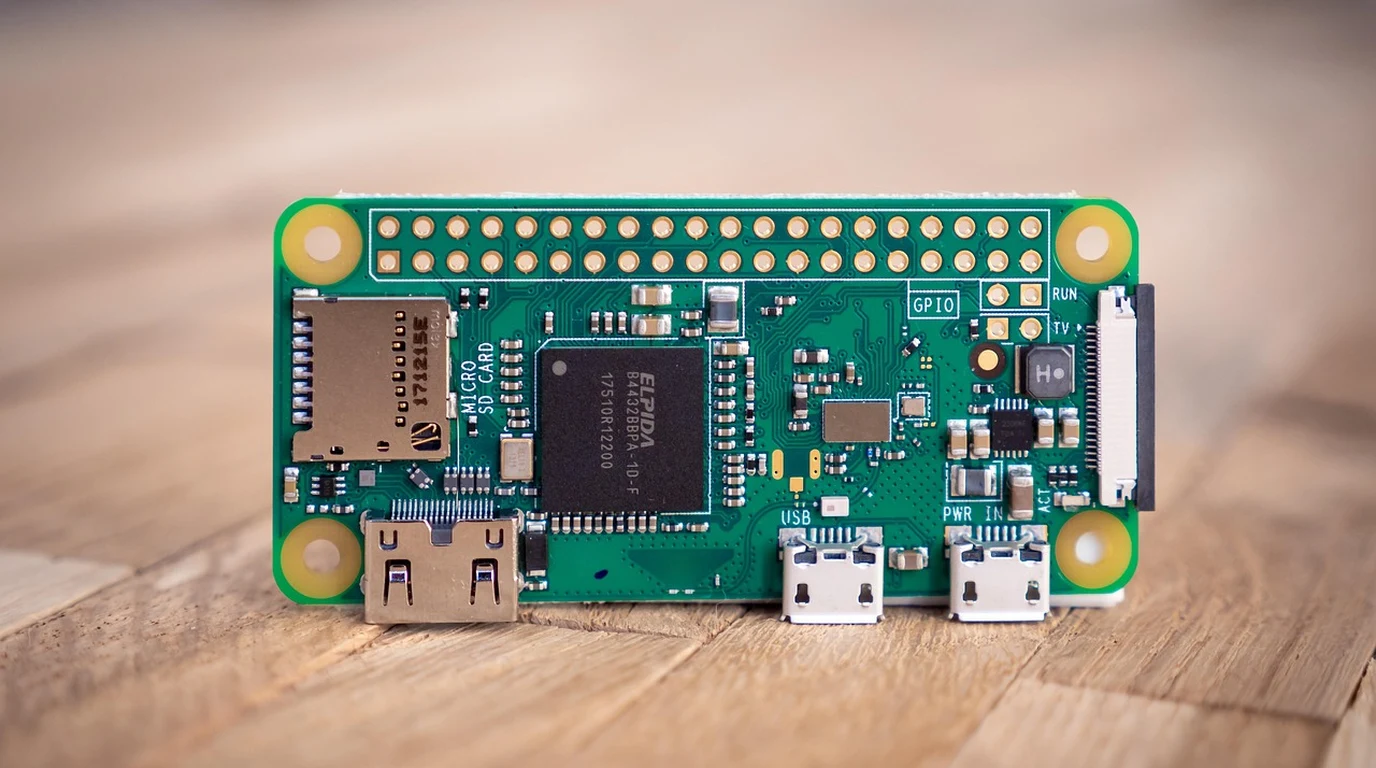
You bought a Raspberry Pi 5 thinking it would finally handle your local LLM inference, home NVR streams, and containerized homelab, only to hit a brick wall at 8GB of RAM and find your PCIe throughput choked by single-lane overhead. Or maybe you’re knee-deep in an embedded edge vision deployment where you need simultaneous 8K decode, hardware-accelerated RTSP streaming, and a local neural network running at real-time frame rates without melting your power budget. You’re staring down the barrel of overpriced industrial x86 boxes or underpowered maker boards, wondering if there is a middle ground that actually delivers workstation-class peripheral density on a 15-watt envelope.
The Rockchip RK3588 remains the undisputed king of ARM single-board computer value in 2026. For high-density homelabs, multi-camera edge vision, and localized LLM inference, boards like the Orange Pi 5 Plus and FriendlyElec NanoPC-T6 offer unmatched 32GB LPDDR4X configurations, dual 2.5GbE ports, and hardware NPU acceleration that crushes low-power x86 alternatives.
Let’s grab a cup of coffee and look past the marketing spec sheets. I’ve spent the last few weeks benching these boards under brutal real-world workloads—pushing 64-channel RTSP streams, compiling heavy C++ codebases with distcc, and wrangling Rockchip’s closed-source blob stacks. The RK3588 ecosystem has matured significantly, but it still has landmines that will burn a developer a week if you don’t know what you’re looking at.
## Why Are Developers Dropping x86 Mini PCs for RK3588 Boards?
The shift we’re seeing away from Intel N100 and Celeron-based mini PCs isn’t just about power consumption; it’s about hardware integration and deterministic I/O. When you’re building an edge appliance that needs to ingest four 4K HDMI streams, run real-time object detection on a tri-core NPU, and route packets across dual 2.5 Gigabit network interfaces, an x86 box starts looking fragile. You hit thermal throttling, driver bloat, and rigid PCIe allocation limits.
The Rockchip RK3588 architecture—featuring four Cortex-A76 cores clocked up to 2.4GHz and four efficiency-focused Cortex-A55 cores—hits a sweet spot. It provides genuine multi-threading muscle without demanding active server cooling. More importantly, the integrated 6 TOPS NPU isn’t an afterthought bolted onto a CPU die; it’s a dedicated tensor processor capable of handling int8 and fp16 models via the Rockchip Neural Network (RKNN) toolkit.
When you pair this silicon with up to 32GB of high-speed LPDDR4x or LPDDR5 memory, you eliminate the single biggest bottleneck that crippled previous ARM generations: memory starvation. You can finally run a 7B parameter quantized LLM via Ollama or llama.cpp while hosting a full Kubernetes edge cluster without swapping to disk.
## Which RK3588 Board Fits Your Production Workflow?
Not all RK3588 implementations are created equal. Board vendors take Rockchip’s reference design and modify the power delivery, M.2 slot routing, and Ethernet PHYs in ways that radically alter their utility. Let’s look at the three heavyweights dominating the market: the Orange Pi 5 Plus, the Radxa Rock 5B, and the FriendlyElec NanoPC-T6.
The Orange Pi 5 Plus is the Swiss Army knife for networking and storage enthusiasts. It treats PCIe routing seriously, offering dual M.2 slots (one PCIe 3.0 x4 for NVMe storage and another for Wi-Fi or accelerators) alongside dual 2.5GbE Realtek NICs. If you are building a compact NAS or a high-throughput software-defined router, this is your baseline.
The Radxa Rock 5B leans heavily into media production and desktop replacement workflows. It includes a full-size HDMI 2.1 output capable of native 8K60 display, an HDMI input for capture applications, and an optional ATX power control header that makes it feel much more like an enterprise motherboard.
The FriendlyElec NanoPC-T6 is the industrial workhorse. Shipped in a custom CNC-milled aluminum enclosure that acts as a massive heatsink, it adds dual 2.5GbE, a true PCIe 3.0 x4 M.2 slot, and robust power protection circuits designed to survive messy industrial DC power rails.
| Board Model | Max RAM Options | Networking | Storage & Expansion | Best Use Case |
|---|---|---|---|---|
| Orange Pi 5 Plus | Up to 32GB LPDDR4x | Dual 2.5GbE (RTL8125BG) | M.2 NVMe (PCIe 3.0 x4), eMMC socket | Homelabs, edge routers, multi-port networking |
| Radxa Rock 5B | Up to 32GB LPDDR4x | Single 2.5GbE (RTL8125), WiFi via M.2 | M.2 NVMe (PCIe 3.0 x4), eMMC socket | Digital signage, 8K media endpoints, desktop use |
| FriendlyElec NanoPC-T6 | Up to 32GB LPDDR4x | Dual 2.5GbE (Intel i225-V / RTL) | Dual M.2 NVMe, CNC metal enclosure | Industrial gateways, ruggedized edge servers |
## What Are the Real-World Bottlenecks of Rockchip Kernel and Driver Support?
Here is where the marketing material stops and the engineering reality begins. If you drop a pristine, vanilla mainline Linux kernel 6.x onto an RK3588 board today, you will immediately wonder why your high-end hardware feels sluggish.
The Mali-G610 MC4 GPU is a powerhouse, but upstreaming graphics and video processing drivers has been a notoriously fragmented journey. While the upstream `panfrost` driver handles basic desktop acceleration and Wayland compositing admirably, it does not yet unlock the full raw compute and hardware-accelerated video decode/encode capabilities of the proprietary Rockchip MPP (Media Process Platform) libraries. If you need hardware-accelerated RTSP transcoding for 30 security cameras, you are currently tied to Rockchip’s vendor-patched Linux 5.10 or 6.1 kernels.
The same goes for the NPU. The 6 TOPS accelerator is fast—often beating entry-level coral accelerators in raw classification throughput—but it requires your models to be explicitly exported and quantized using the `rknn-toolkit2` Python library on an x86 host machine before execution on the board. You cannot simply `pip install torch` and expect the NPU to pick up raw PyTorch graphs natively without compilation wrappers.
Furthermore, thermal design matters immensely. When you push all four Cortex-A76 cores to 2.4GHz under a heavy compilation workload or LLM token generation loop, the RK3588 will throttle within ninety seconds if you rely on a passive aluminum stub. A proper active PWM fan or a custom CNC enclosure is not optional; it is a core system requirement for sustained workloads.
## How Do You Build a Production-Ready Edge Appliance by 4:00 PM?
Let’s move from theory to execution. Suppose you’ve unpacked your new Orange Pi 5 Plus or NanoPC-T6 and you need to get it provisioned as a stable, headless edge server running Docker containers and hardware-accelerated monitoring before end-of-day. Follow this exact playbook.
1. Flash the Correct Vendor-Optimized Image: Skip the experimental mainline distributions for now. Grab the latest Debian 12 (Bookworm) or Ubuntu 22.04 LTS image provided by your specific board vendor running the Rockchip 6.1 kernel branch. This ensures your hardware video decoders and NPU drivers are exposed correctly out of the box.
2. Configure High-Performance Storage: Mount your M.2 NVMe drive using `ext4` or `f2fs` with write-back caching enabled. Avoid running heavy database workloads or Docker overlay networks directly on cheap eMMC modules or microSD cards, which will saturate their limited write endurance cycles within months.
3. Establish Proper Thermal Management: Install your heatsink and fan assembly. Configure the kernel thermal governor to use the `conservative` or `ondemand` profile by modifying `/sys/class/thermal/thermal_zone0/trip_point_0_temp`, and verify fan curves spin up aggressively once the SoC crosses 60°C.
4. Deploy the Rockchip Container Runtime: If you are running AI workloads, ensure you pull the container images that bind against the `rknpu` device nodes (`/dev/dri/…` and `/dev/rknpu`). Map these devices explicitly in your `docker-compose.yml` file:
“`yaml
devices:
– /dev/rknpu:/dev/rknpu
– /dev/dri:/dev/dri
“`
5. Lock Down System Services: Disable unnecessary graphical display managers (`systemctl set-default multi-user.target`) if deploying as a headless server to reclaim roughly 300MB of RAM and prevent GPU context switching overhead.
Stick to this workflow, respect the hardware’s thermal limits, and you’ll find that the RK3588 is not just a capable maker board—it is a legitimate enterprise-grade edge platform that punches far above its weight class.
### Frequently Asked Questions
Can the Rockchip RK3588 run local Large Language Models effectively?
Yes, thanks to high-capacity 32GB LPDDR4x memory configurations and optimized inference backends like llama.cpp. While the CPU cores handle quantized 7B parameter models at usable token generation speeds, the integrated NPU requires model conversion via RKNN Toolkit, making CPU-based execution via ARM NEON instructions the more pragmatic route for general LLM deployment.
Why should I choose an RK3588 board over a Raspberry Pi 5?
The RK3588 scales up to 32GB of RAM (compared to the Pi 5’s 8GB limit), includes dedicated hardware NPU silicon for machine learning workloads, features native dual 2.5GbE networking options on multiple popular boards, and offers true PCIe 3.0 x4 NVMe lanes without performance-crippling lane sharing.
Are mainline Linux kernels fully supported on RK3588 boards?
Basic system operations, CPU scaling, and basic desktop graphics run smoothly on modern mainline kernels via the `panfrost` driver. However, hardware video encoding/decoding and full acceleration of the 6 TOPS NPU still heavily rely on vendor-provided kernel trees (such as Rockchip’s 6.1 branch) and proprietary middleware blobs.