
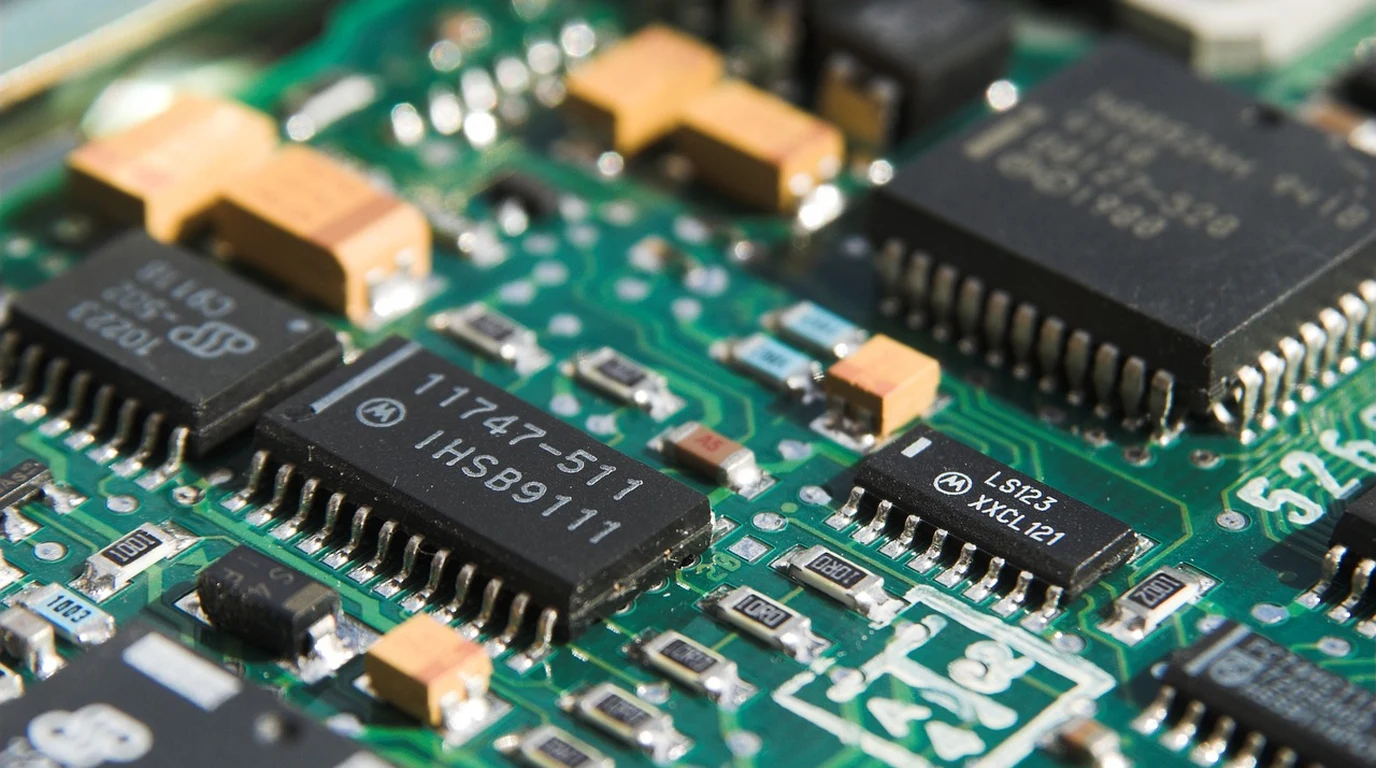
If you have ever attempted to expand the AI inference capacity of a compact home server, micro-PC, or custom Frigate NVR appliance, you have likely encountered the allure of the Google Coral Dual Edge TPU. Selling for under $40 in an M.2 2230 or E-key form factor, this miniature hardware module packs two independent Coral Edge TPU ASICs onto a single tiny PCB, promising 8 total TOPS (Tera-Operations Per Second) of INT8 tensor acceleration at an astonishing sub-4W power envelope.
Yet for thousands of systems architects and homelab builders, plugging the Dual Edge TPU into an M.2 slot results in immediate failure: Linux boots, you execute lspci, and to your utter dismay, only one of the two TPUs is visible to the kernel. The second TPU remains completely dormant, undetectable by drivers, and unusable by your computer vision workloads.
This widespread hardware failure is not caused by a defective silicon chip or a corrupt Linux driver; it is the direct consequence of PCIe lane routing and mechanical bifurcation mismatch. Understanding how PCIe bifurcation functions, why standard motherboard M.2 slots route only a single PCIe lane, and how to properly deploy dual-channel adapter cards is mandatory to unlock both tensor cores in high-density edge deployments.
Why Does Only One Google Coral TPU Show Up in Linux?
The Google Coral Dual Edge TPU requires two independent PCIe Gen2 x1 lanes (PCIe bifurcation into x1+x1). Standard consumer M.2 Key-E and Key-A Wi-Fi slots route only one PCIe lane plus USB 2.0. Without motherboard bifurcation support or a specialized PCIe host adapter with an onboard PCIe packet switch, only TPU Core 0 can establish link state.
To understand the root physical cause of this issue, one must examine the pinout specification of PCI Express M.2 connectors. When the PCI-SIG consortium defined the M.2 Key-E specification (primarily intended for Wi-Fi and Bluetooth wireless combo cards), they assigned pin definitions for a single PCIe x1 lane (Transmit pair on pins 35/37 and Receive pair on pins 41/43), while reserving other pins for USB 2.0 (D+/D-), SDIO, and UART interfaces.
When Google engineered the Dual Edge TPU module, their hardware team faced a packaging challenge: how to fit two independent PCI Express ASICs onto an ultra-compact 22mm x 30mm board without adding an expensive onboard PCIe switch chip. Google’s solution was to route TPU Core 0 to the standard PCIe Lane 0 pins, while routing TPU Core 1 to the auxiliary pins normally reserved for SDIO or secondary data links. In electrical terms, the module requires a host slot capable of delivering two separate PCIe lanes configured as independent x1 links (x1+x1 bifurcation).
When you plug this module into a standard motherboard Wi-Fi slot (such as on an Intel NUC, Minisforum mini-PC, or standard desktop motherboard), the host motherboard physically routes traces for Lane 0 only. The auxiliary pins connected to TPU Core 1 terminate into dead open traces or ground planes. Because the second TPU never receives a PCIe reference clock (REFCLK) or reset signal, its PCIe physical layer (PHY) never initializes. The operating system kernel has no physical way of knowing the second silicon die even exists.
PCIe Bifurcation vs Packet Switch: Hardware Compatibility Matrix
The following hardware matrix outlines the verified methods for exposing both Coral TPU cores to Linux and containerized environments:
| Hardware Deployment Method | TPU Cores Recognized | Host Hardware Compatibility | Architectural Recommendation |
|---|---|---|---|
| Direct Motherboard M.2 Wi-Fi Slot | 1 of 2 (Core 0 Only) | 98% of Standard PC Motherboards | Avoid. Wastes 50% of module compute capacity. |
| Passive M.2 Key-M to Key-E Adapter | 2 of 2 (Requires Bifurcation) | Only boards with M.2 4×4 or 2×2 BIOS support | Works on specialized industrial and server SBCs. |
| PCIe x1/x4 Card with ASMedia Switch | 2 of 2 (100% Guaranteed) | Universal (Any standard PCIe slot) | Gold Standard. Uses onboard packet switch (ASM1182e). |
| Turing Pi 2 / Dual M.2 Carrier | 2 of 2 (Native Traces) | Cluster nodes with dual PCIe routing | Ideal for compact edge server clustering. |
The Linux Gasket Driver and DKMS Kernel Traps
Once you solve the physical PCIe routing using a PCIe card with an onboard ASMedia packet switch, the next hurdle is the Linux kernel driver. The Google Coral Edge TPU relies on the Apex driver built on top of the Linux Gasket (Google ASIC Kernel Driver) framework.
A frequent trap in modern Linux distributions (such as Ubuntu 24.04 LTS or Debian Bookworm running Linux kernel 6.5+) is that legacy pre-compiled Gasket packages fail to compile against newer kernel headers due to changes in memory mapping APIs (specifically vm_flags changes). To prevent broken driver states, administrators must deploy the updated, community-maintained gasket-dkms package that dynamically recompiles the driver module during automatic kernel updates.
When the driver initializes properly across both lanes, executing ls -l /dev/apex* should output two distinct character device nodes:
crw-rw---- 1 root apex 120, 0 Oct 25 08:00 /dev/apex_0
crw-rw---- 1 root apex 120, 1 Oct 25 08:00 /dev/apex_1
Allocating Dual TPUs in Frigate NVR and Docker
With both /dev/apex_0 and /dev/apex_1 exposed to your operating system, you can assign discrete computer vision tasks to each TPU core inside Frigate NVR or custom PyTorch/TensorFlow Lite inference pipelines.
In high-density security surveillance setups with 16 or 24 cameras streaming continuous 4K video, dividing the inferencing load across both chips slashes object detection latency from 18ms down to sub-7ms. You map both device paths into your Docker container via docker-compose.yml:
devices:
  - /dev/apex_0:/dev/apex_0
  - /dev/apex_1:/dev/apex_1
Inside Frigate’s config.yml, you define dual detector engines, allowing Frigate’s task scheduler to balance incoming camera frames across both hardware accelerators simultaneously with zero contention:
detectors:
  coral_alpha:
    type: edgetpu
    device: pci:0
  coral_beta:
    type: edgetpu
    device: pci:1
The 4:00 PM Actionable Dual Coral Deployment Checklist
Deploying a Google Coral Dual Edge TPU in your edge server today? Follow this four-step engineering checklist to guarantee 100% hardware recognition:
- Procure an Active PCIe Carrier Card with ASMedia ASM1182e: Avoid standard passive M.2 adapters. Purchase a specialized PCIe x1 to M.2 Key-E carrier card featuring an onboard ASMedia PCIe packet switch chip (like the Makerfab or MagicWolf dual Coral adapter). This hardware switch accepts a single PCIe lane from your motherboard and splits it into two genuine, independent PCIe x1 downstream links.
- Install Updated DKMS Gasket Drivers: On Debian/Ubuntu systems, add the community Gasket PPA or build from source using DKMS:
sudo apt-get install git dkms build-essential linux-headers-$(uname -r)
git clone https://github.com/google/gasket-driver.git
cd gasket-driver && sudo make dkms-install
- Configure Udev Permissions for Non-Root Containers: By default, Apex devices belong to the
apexgroup. Create a udev rule at/etc/udev/rules.d/65-apex.rulescontaining:SUBSYSTEM=="apex", MODE="0660", GROUP="apex"
Add your user account or container service account to the
apexgroup withsudo usermod -aG apex $USER. - Verify Real-World Temperature Under Load: While Edge TPUs draw little power, running dual cores under continuous 100 FPS object detection creates localized thermal hotspots on the tiny 2230 PCB. Attach an aluminum adhesive heatsink to both ASIC packages to prevent thermal throttling above 85°C.
Single board computer PCIe buses require careful lane allocation. Master our hardware build guide on Raspberry Pi 5 AI Kit: Hailo-8L Benchmarks & Setup.